Overview
BlazePDF is a desktop PDF reader built for studying, gathering lecture slides, readings, revision notes, and past papers into one place to read, annotate, organize, and print. It runs offline, asks for no account in the core desktop reader, and keeps files on the student's own computer. Annotations stay editable after a document is reopened, which matters when notes get revisited weeks later.
Key Features
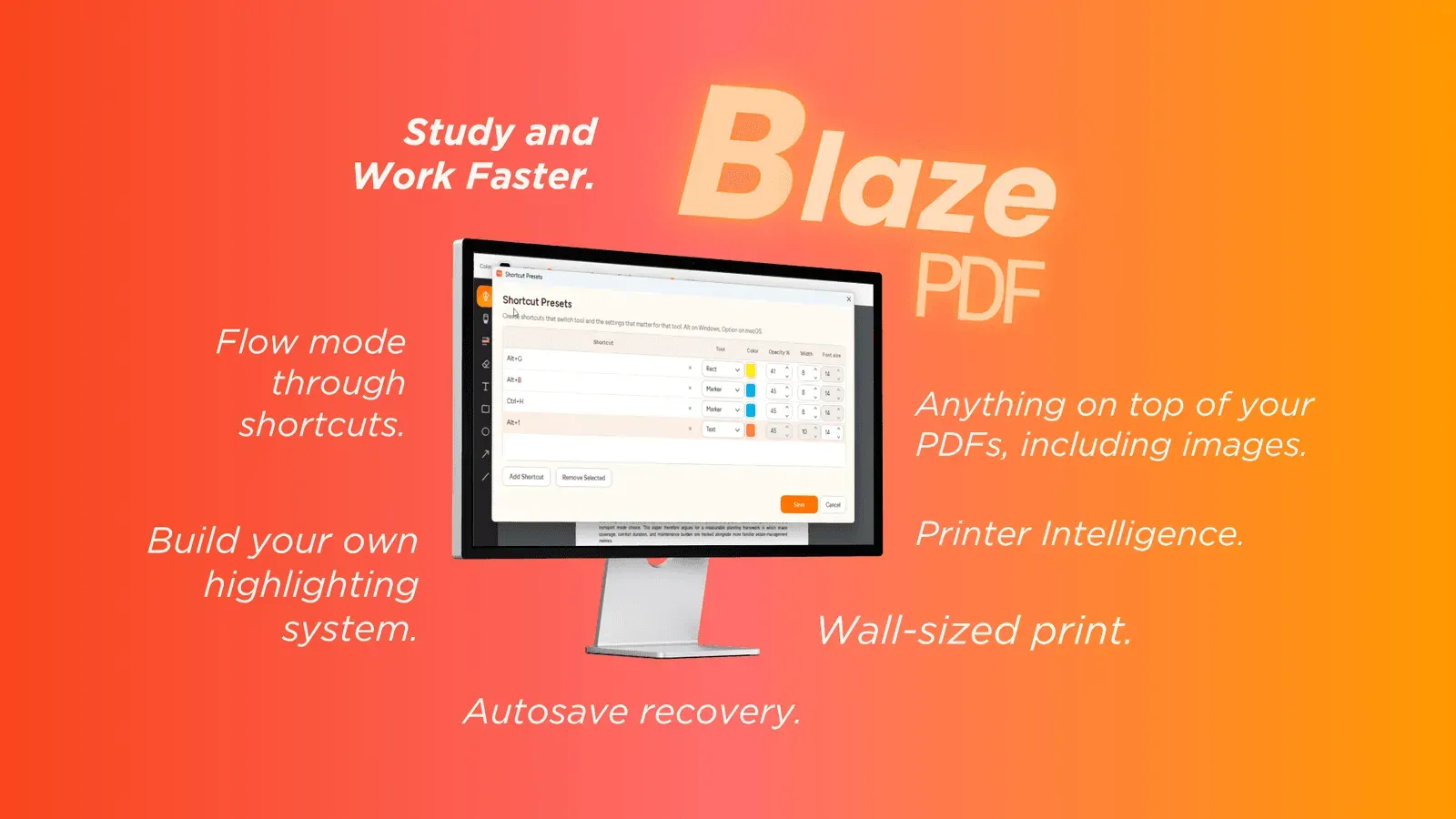
- Flow Mode keeps annotation keyboard-first, so hands stay off the mouse during long reading sessions.
- A broad annotation set covers pen and marker strokes, word-aware highlights, editable text boxes, shapes, arrows, lines, and inserted images, with erasing, undo, and redo.
- Tool presets let a single shortcut restore the color, width, and opacity tied to one kind of note.
- Page editing and export handles blank page insertion, image import, reordering, search, and visible PDF export.
- Smart Duplex and Poster Enlargement prepare awkward print jobs, from manual second-pass duplexing to tiled sheets for oversized diagrams.
Privacy is the quiet selling point: reading, searching native PDF text, and exporting all happen locally, and optional AI OCR starts only when a student turns it on. Document content is never used to train generalized AI models, which should please anyone annotating copyrighted course material.